
Version 1.0.0
Styling, Up-down buttons. Extensive settings and layout options
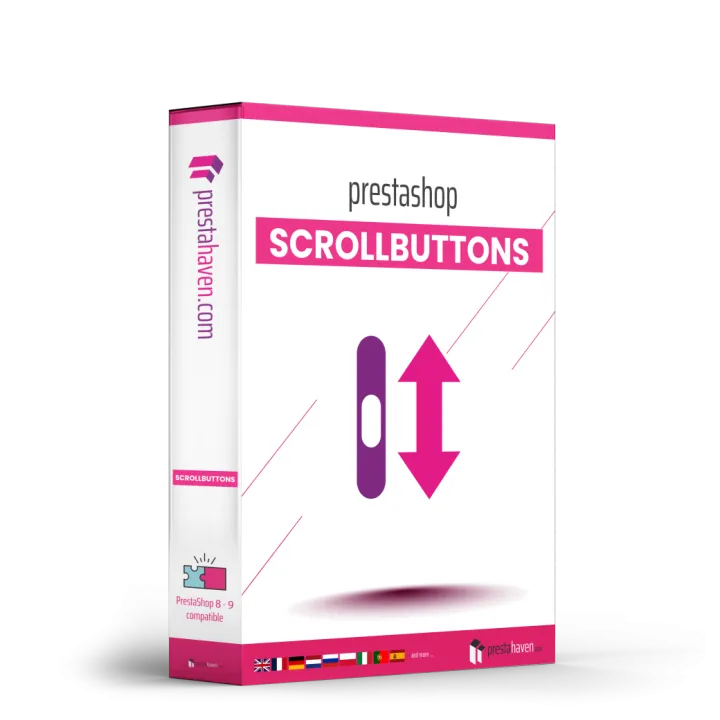


Scroll to Top & Bottom Button images


Add a floating button that lets visitors scroll to the top or bottom of any page with one click, fully styled to match your theme.














play_circle Try it before you buy
See the module at work in our demo shop: in the shop and in the back office.
Long category pages, detailed product pages and search results make your visitors scroll a lot. Getting back to the menu or down to the footer then takes many swipes, and on a phone that is tiring. Scroll to Top & Bottom Button adds two small floating buttons that take your visitors to the top or the bottom of any page with one click.
The buttons appear only when they help: the scroll to top button shows up after the visitor has scrolled the distance you choose, and the scroll to bottom button disappears near the end of the page. They glide smoothly to their target, and visitors who asked their device for less motion jump straight there.
Make the back to top button look like a part of your theme: choose from four icons and three shapes, set the size and pick your own colours for the button, the icon and the hover state. Place the buttons bottom right or bottom left, with your own distance from the edges, so they never cover a chat or cookie banner.
You stay in control of where they appear: on computers, tablets and phones, on the page types you choose and not in the checkout by default, and not while a quick view or other pop-up is open. The buttons are light, accessible with the keyboard and screen readers, work in Classic and Hummingbird and are fully multistore compatible.
Styling, Up-down buttons. Extensive settings and layout options


Reviews
Your review appreciation cannot be sent
Report comment
Report sent
Your report cannot be sent
Review sent
Your review cannot be sent